
This post looks at how you can easily update Facebook and Twitter at the same time, while only visiting Twitter, or your favourite Twitter client.
- Go to Facebook, and search for "Selective Tweets"
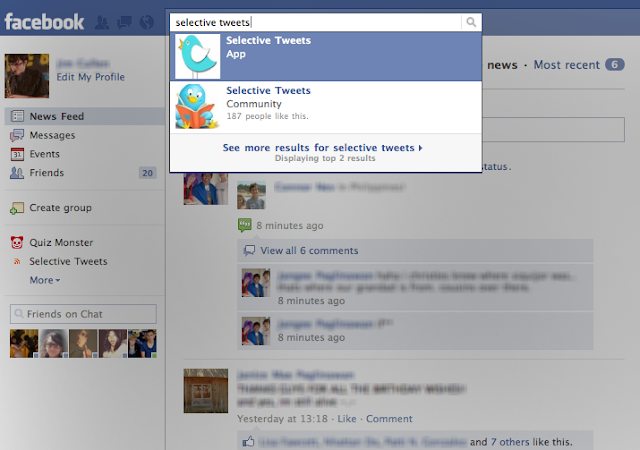
Select the App with that name.
- Type in your Twitter handle in the box next to the "@", and click "save"
 Then just append "#fb" to the end of any tweet, and it will automatically be sent to Facebook as your status. Read past the break for a few little extras


